How to Track CPD With AI (Without Losing Your Mind)
Aug 13, 2026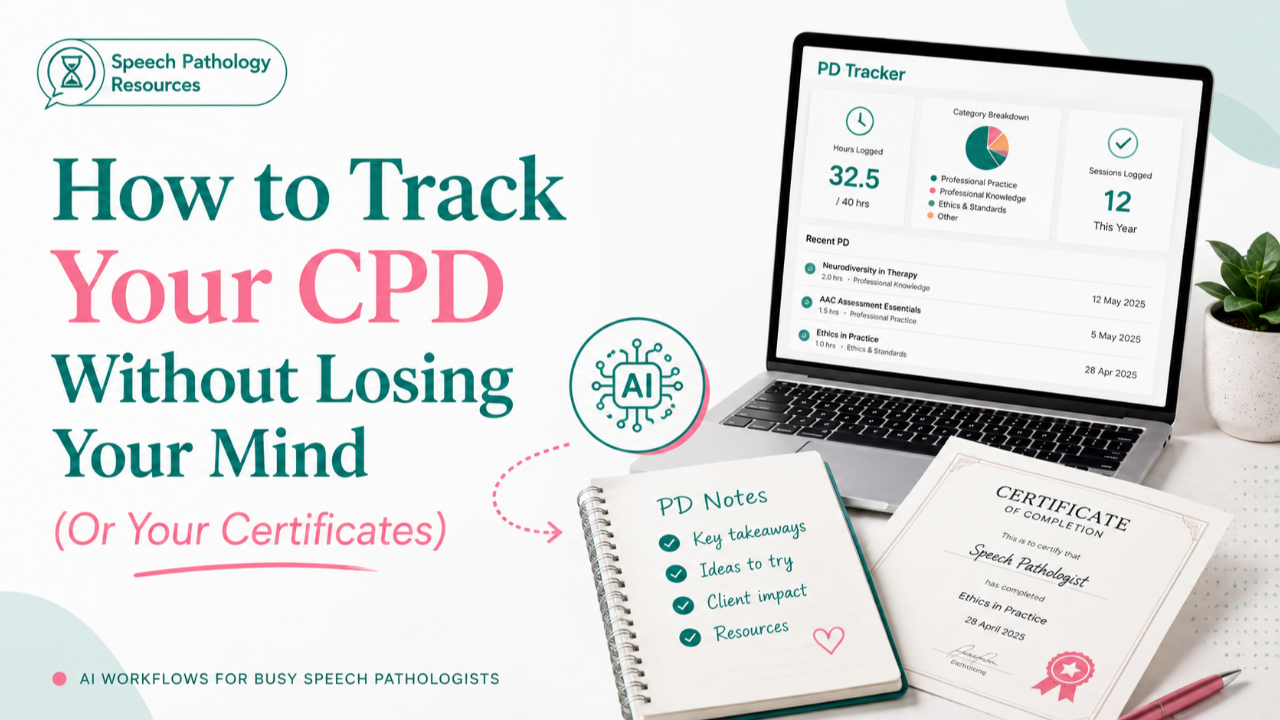
How to Track Your CPD Without Losing Your Mind (Or Your Certificates)
CPD (Continuing Professional Development) is one of the only professional obligations every clinician agrees matters, and almost nobody has a system for it. You sign up, you attend, and somewhere between the session ending and your next plan review, the actual learning disappears. Whether your registration body calls it CPD or PD, the problem is the same. You did the learning. You just can't prove it, or use it, six months later.
What actually counts as CPD?
Most registration bodies define it the same way: any activity that builds or maintains your professional knowledge and directly ties back to your practice. In Australia, SPA asks you to log your hours against set categories and keep evidence on hand in case you're selected for audit. That's the part that trips people up. Not doing the learning. Proving it happened.
Why is CPD tracking so hard for clinicians?
It's not a motivation problem. It's a system problem. Most clinicians attend PD in the middle of an already full week, take a few notes if they're lucky, and move straight back into caseload. By the time your CPD log is due, you're left with a certificate and no memory of what you actually got from the session.
What does a PD Tracker GPT actually do?
A PD Tracker GPT is a custom GPT, a version of ChatGPT built for one specific job. Instead of you manually logging hours and categories after the fact, you feed it the raw material (a certificate, a calendar invite, a rough summary) and it does the sorting. It maps your PD against your registration body's categories and keeps a running record across the year, so the log builds itself as you go instead of being reconstructed from memory in December.
How do you set one up?
- Create a ChatGPT project called PD 2026/27.
- Inside that project, call up the PD Tracker GPT using @ in your chat.
- Drop in a certificate, a calendar invite, or even a rough summary of what you covered.
That's the whole setup. From there, it's just feeding it as you go.
Where does NotebookLM fit in?
Tracking is one problem. Actually implementing what you learned is another. NotebookLM is useful here because you can feed it your PD notes, or even an open access journal article, and it will turn the content into a short podcast, a video, or an infographic. If a PDF has been sitting unread for three months, turning it into something you can listen to on your commute changes the odds it actually gets used.
Start with one system, not a full overhaul
You don't need to rebuild your whole CPD process this week.
Set up the PD Tracker GPT once, and every certificate you'd normally lose gets sorted for you from that point on. You can access my PD Tracker in my AI in Practice Course
If you want the full walkthrough, plus the rest of the research and evidence workflow, Module 4 of my AI in Practice Course covers it step by step → speechpathologyresources.com.au/learn
Or grab the free AI CPD Toolkit for 10 more ways to use AI to streamline your CPD → https://www.speechpathologyresources.com.au/free-ai-resources